Chat Usage
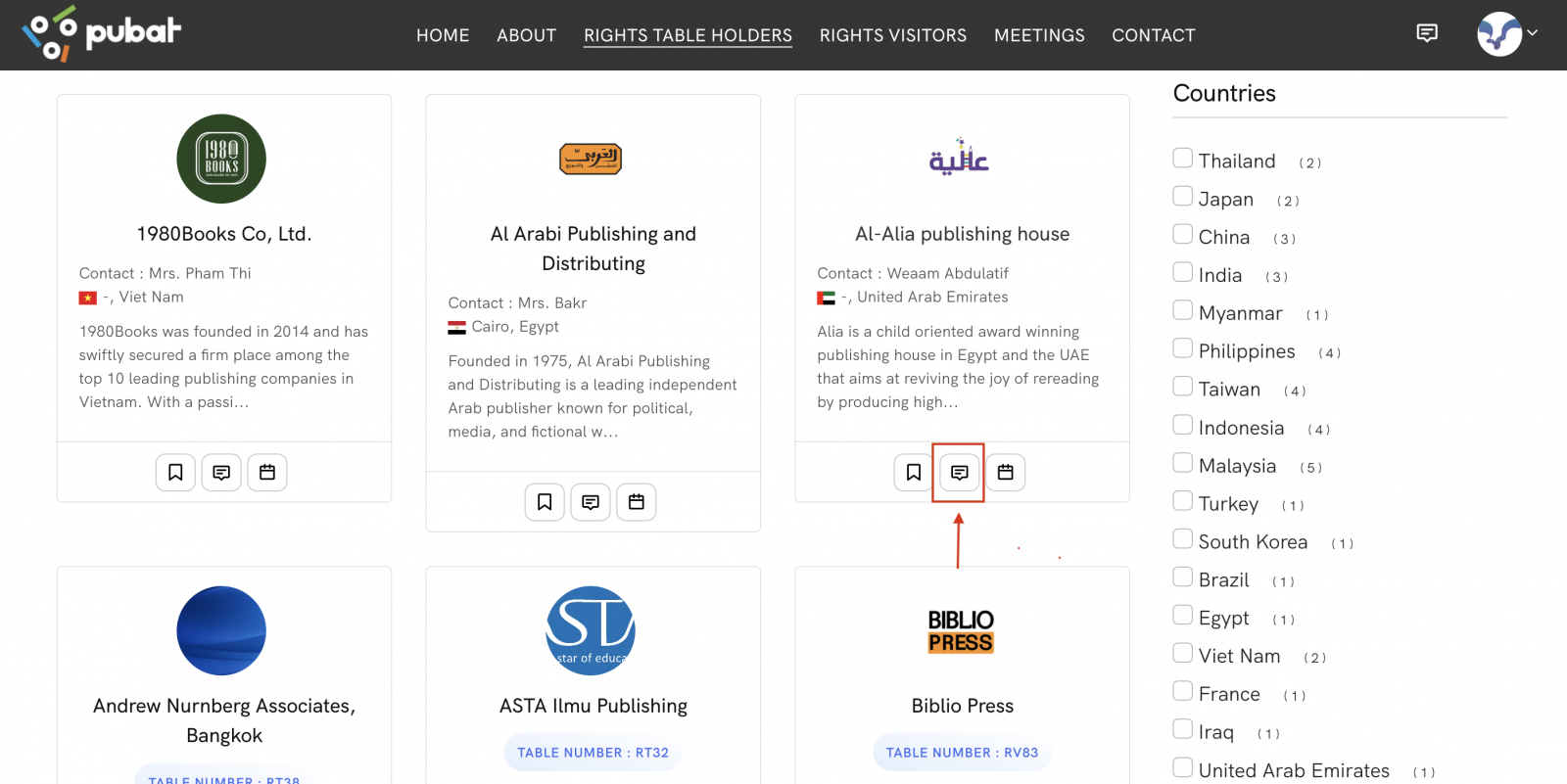
1.After successfully signing in, if you wish to view the list of individuals or publishers you have previously chatted with, click the Chat icon as shown in the illustration.
.png)
2.If you would like to start a chat with a publisher you have not previously contacted, click the Chat icon as shown in the illustration.
3.The system will then display the chat interface, where you can immediately begin a conversation and exchange messages by selecting the desired contact from the list on the left-hand side. virf.io
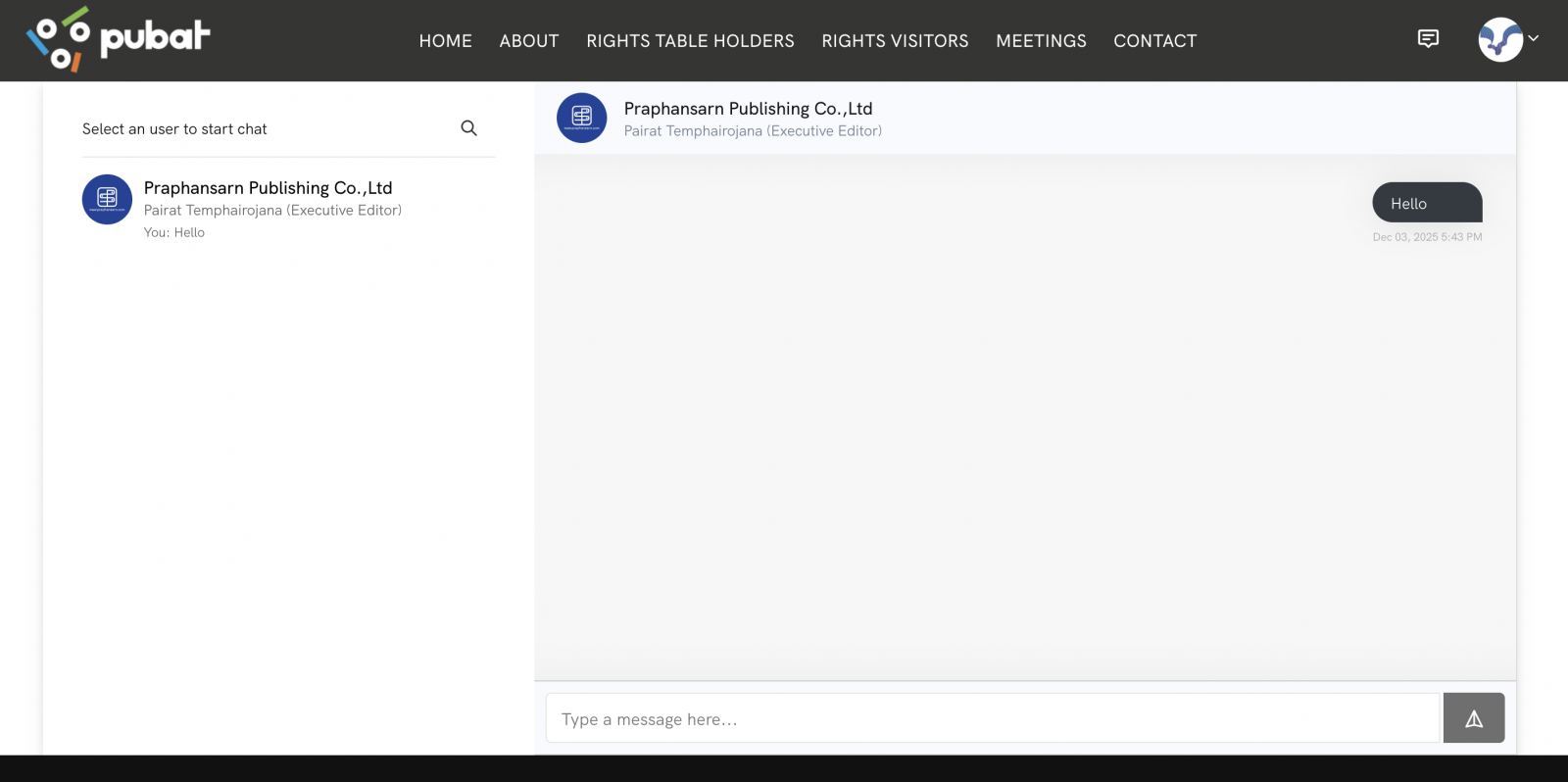
4.You may also search for a publisher you wish to chat with by clicking the Search icon, then entering the publisher’s name. The relevant results will be displayed as shown in the illustration. virf.io
.png)